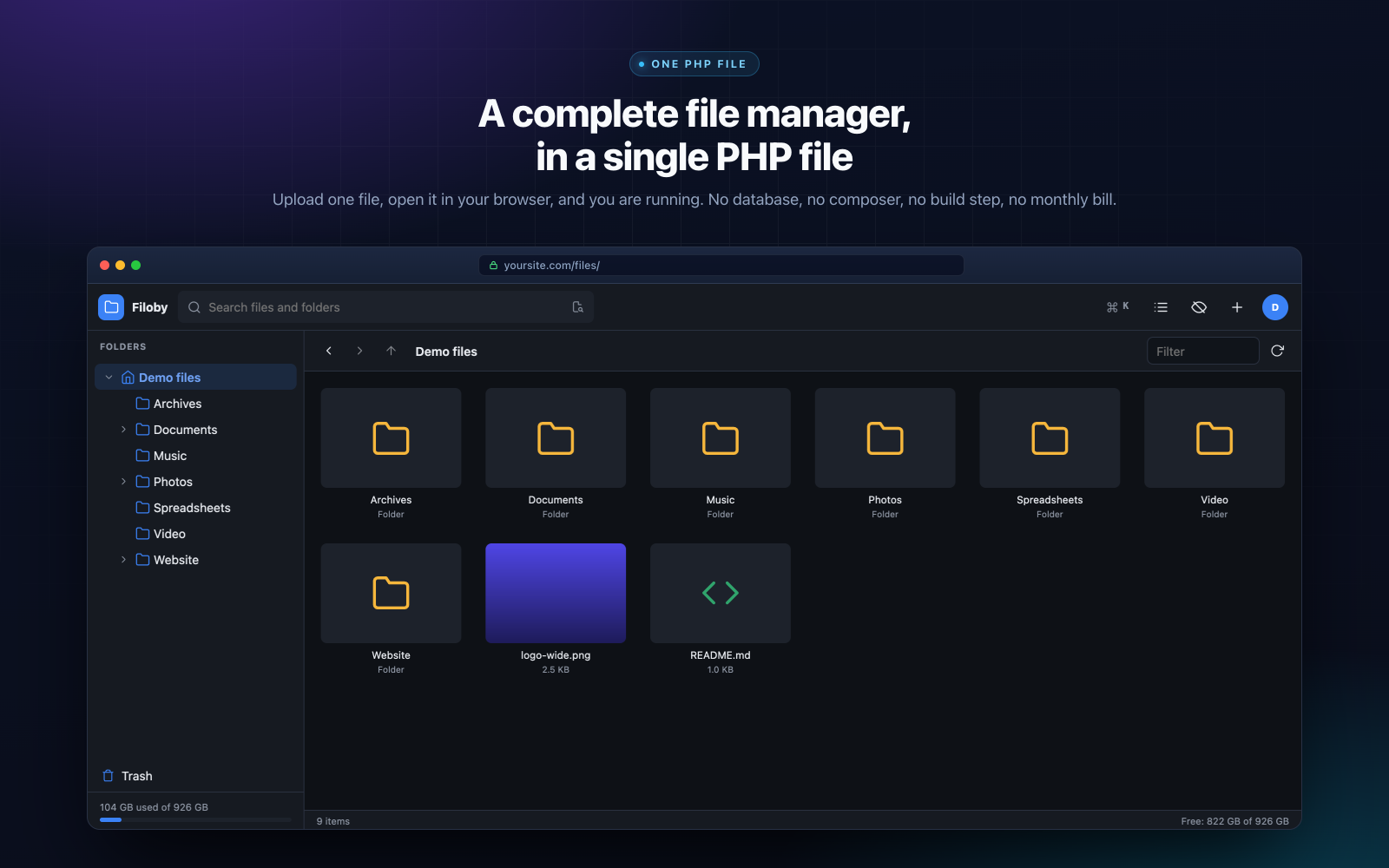
A complete file manager, in a single PHP file
Filoby turns any folder on your web hosting into a modern, full-featured file manager. Upload one PHP file, open it in your browser, and a one-minute wizard sets everything up. From then on you can browse, upload, edit, preview, search and share everything on your server, from any device, wherever you are.
There is no database to create: settings, users and logs live in a small data folder that Filoby manages by itself. There is no composer install, no node, no build step, and no config file to hand-edit. And because it runs on your own hosting, your files never pass through anyone else's cloud, and there is no monthly fee.
Try it before you buy it
The live demo further down this page is the complete application running on real files, with nothing to sign up for. Create folders, edit code, upload images, delete things - and press Reset when you are done.
Manage exactly the folders you choose
During setup you pick the first folder Filoby manages, and you can add more root folders at any time from the admin panel: a client uploads directory, a backups folder, the public folder of another site on the same server. Every root you add appears in the sidebar, and search covers all of them at once.
Just as important is what stays out of reach. Nobody can browse outside the roots you allow, each user can be limited to their own home folder, and per-folder permissions decide exactly who can see, change or delete what.
Everything you need, built in
Browsing that fits the way you work
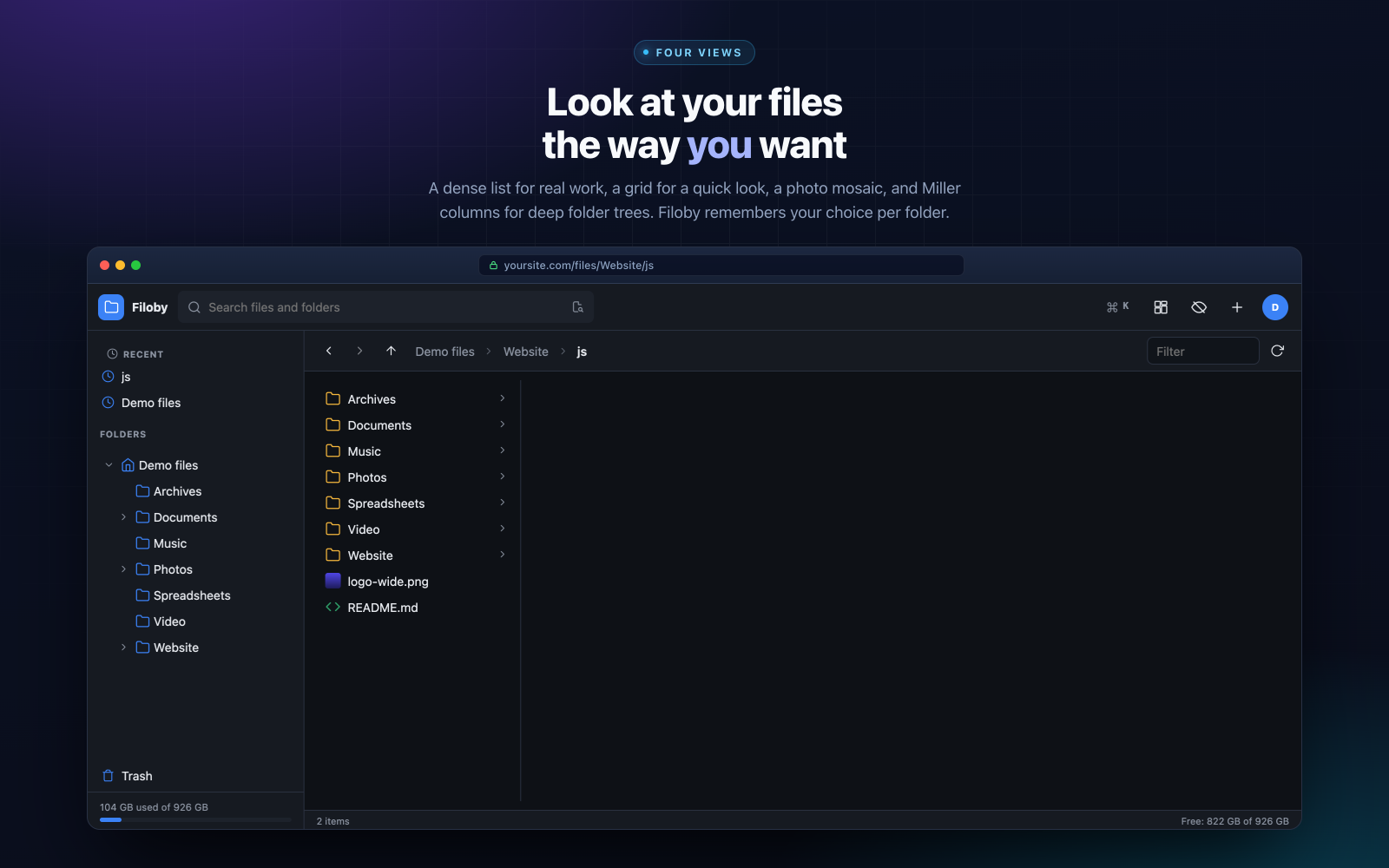
Switch between a dense list for serious work, a grid for a quick overview, a photo-friendly mosaic, and Miller columns for deep folder trees. Sort by name, size, type or date - Filoby remembers your choice for every folder. Pin your favourite folders, jump back to recent ones from the sidebar, and show or hide dotfiles with a click.
Uploads that finish
Drag and drop files of any size. Uploads are chunked and resumable, so a dropped connection carries on where it left off instead of starting over. Upload whole folders, follow the progress of every file, and keep working while they run. Moving, copying, renaming, cut and paste between folders, and bulk actions across large selections all work the way you would hope.
Open anything without downloading it
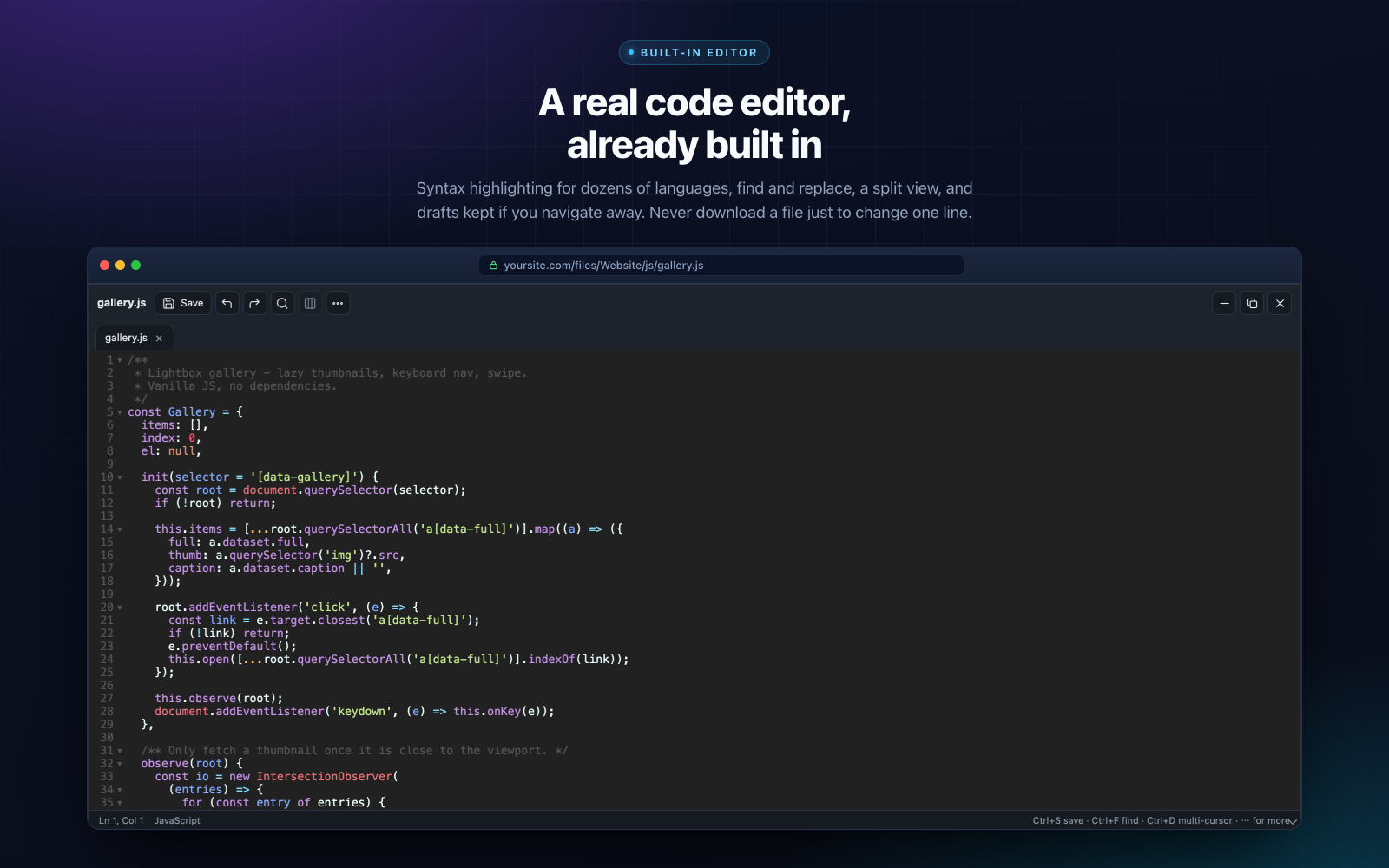
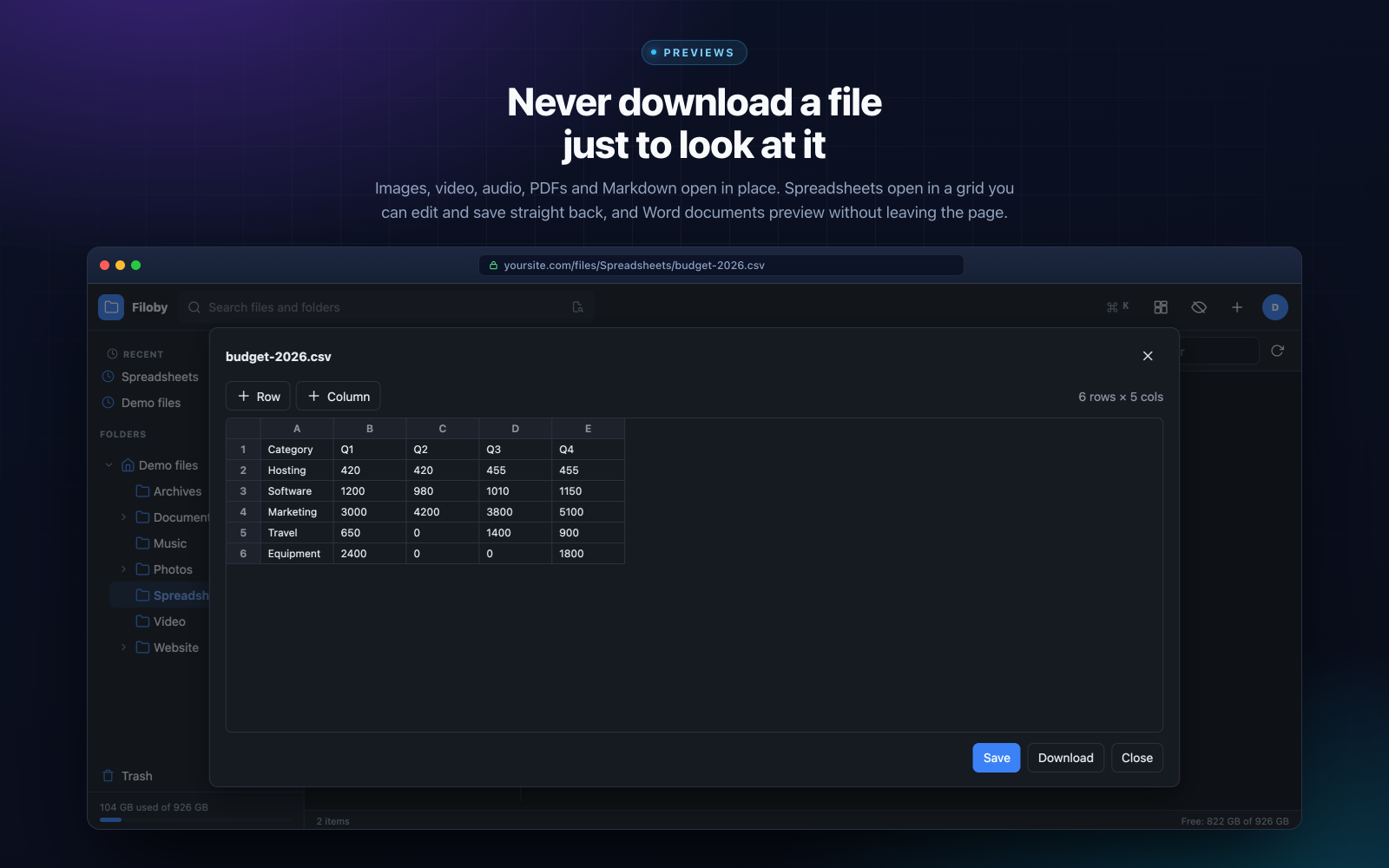
A genuine code editor is built in, with syntax highlighting for dozens of languages, find and replace, a split view, and drafts that survive if you navigate away. Preview images, video, audio, PDFs and Markdown right where they are. Open spreadsheets (xlsx, csv, ods) in an editable grid and save straight back. Preview Word documents without leaving the page. The image viewer is a proper gallery, with zoom, pan, swipe and a slideshow.
Search that finds it, wherever it is
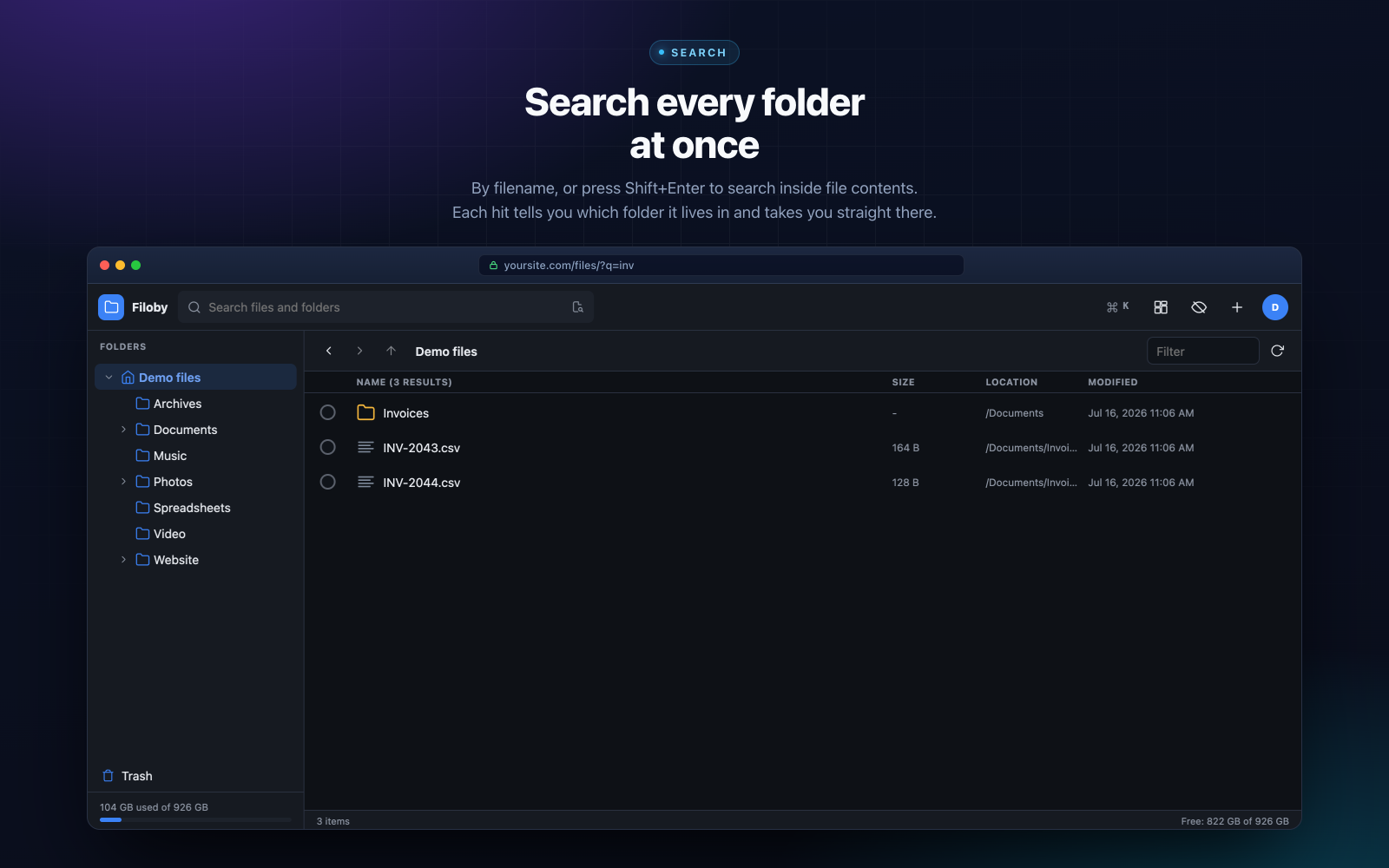
Search every root folder at once by filename, or press Shift+Enter to search inside file contents when you cannot remember what something was called. Every result shows where it lives and takes you straight there. Prefer the keyboard? Ctrl+K opens a command palette that jumps anywhere.
Archives without the detour
Zip any selection and unzip in place. Better still, browse inside an archive and pull out the one file you need without extracting the rest.
Share files, keep control
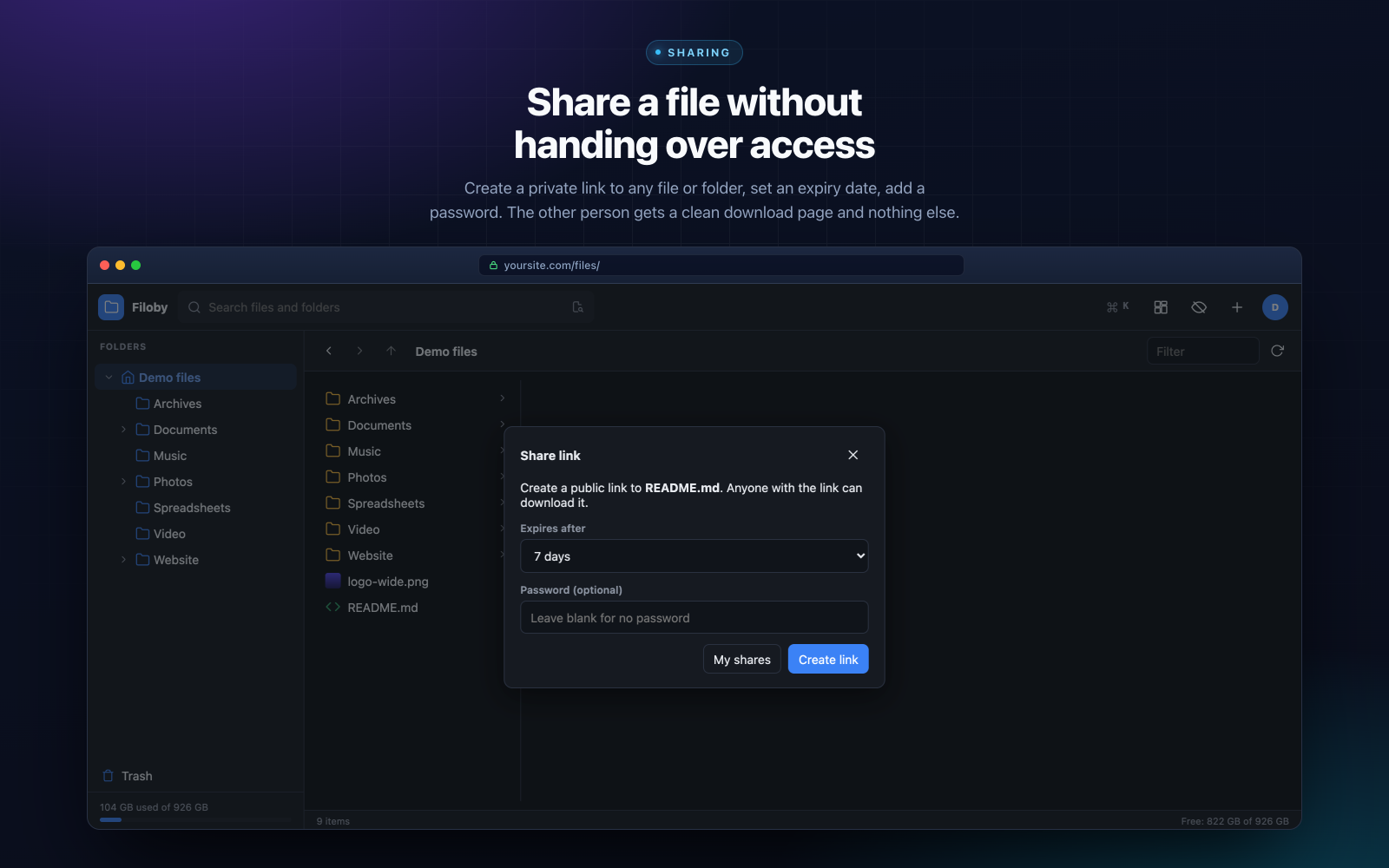
Create a private link to any file or folder, set an expiry date, add a password, and revoke it whenever you like. The recipient sees a clean download page and nothing else: no account required, and no access to anything you did not share.
Invite your team, or your clients
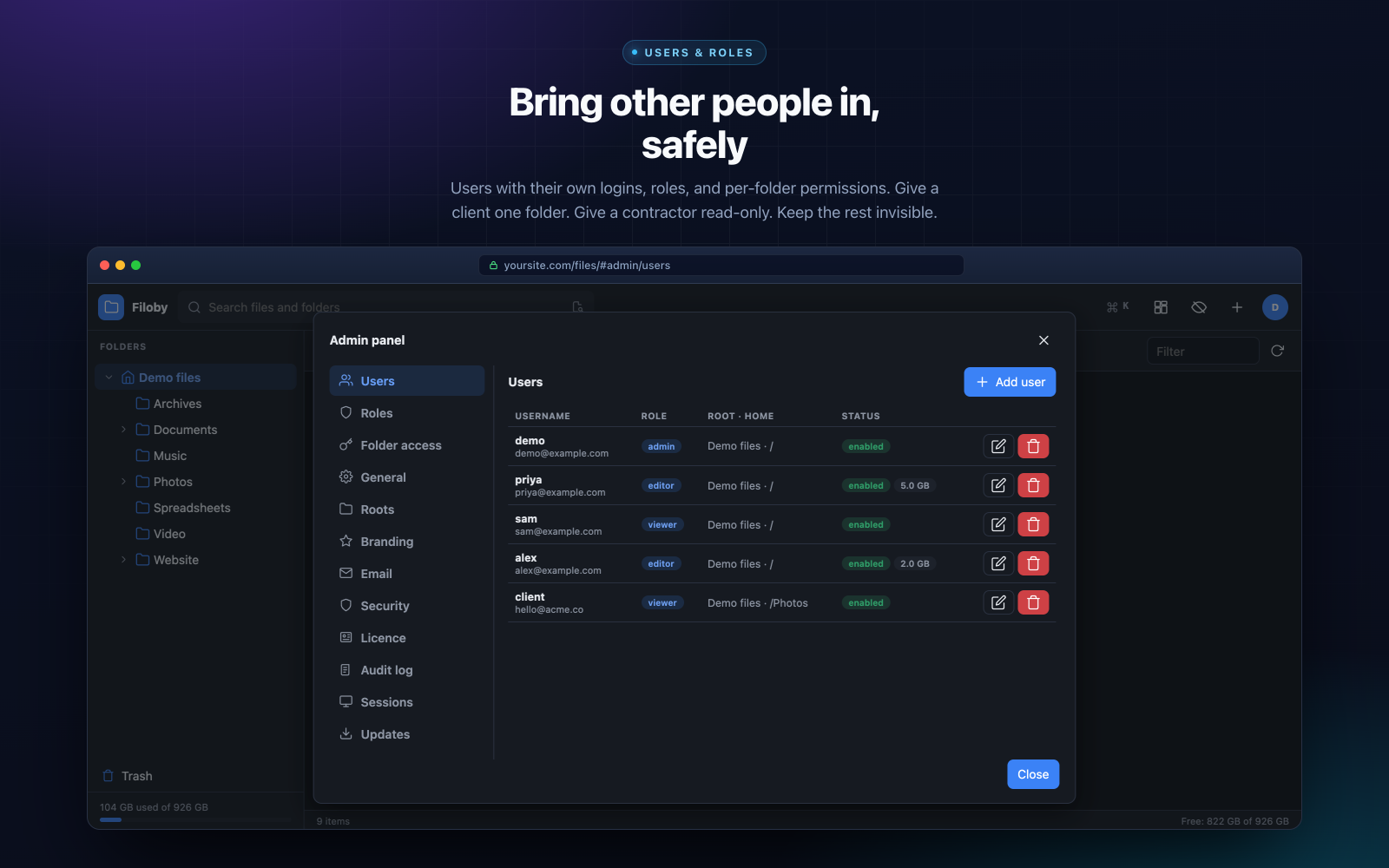
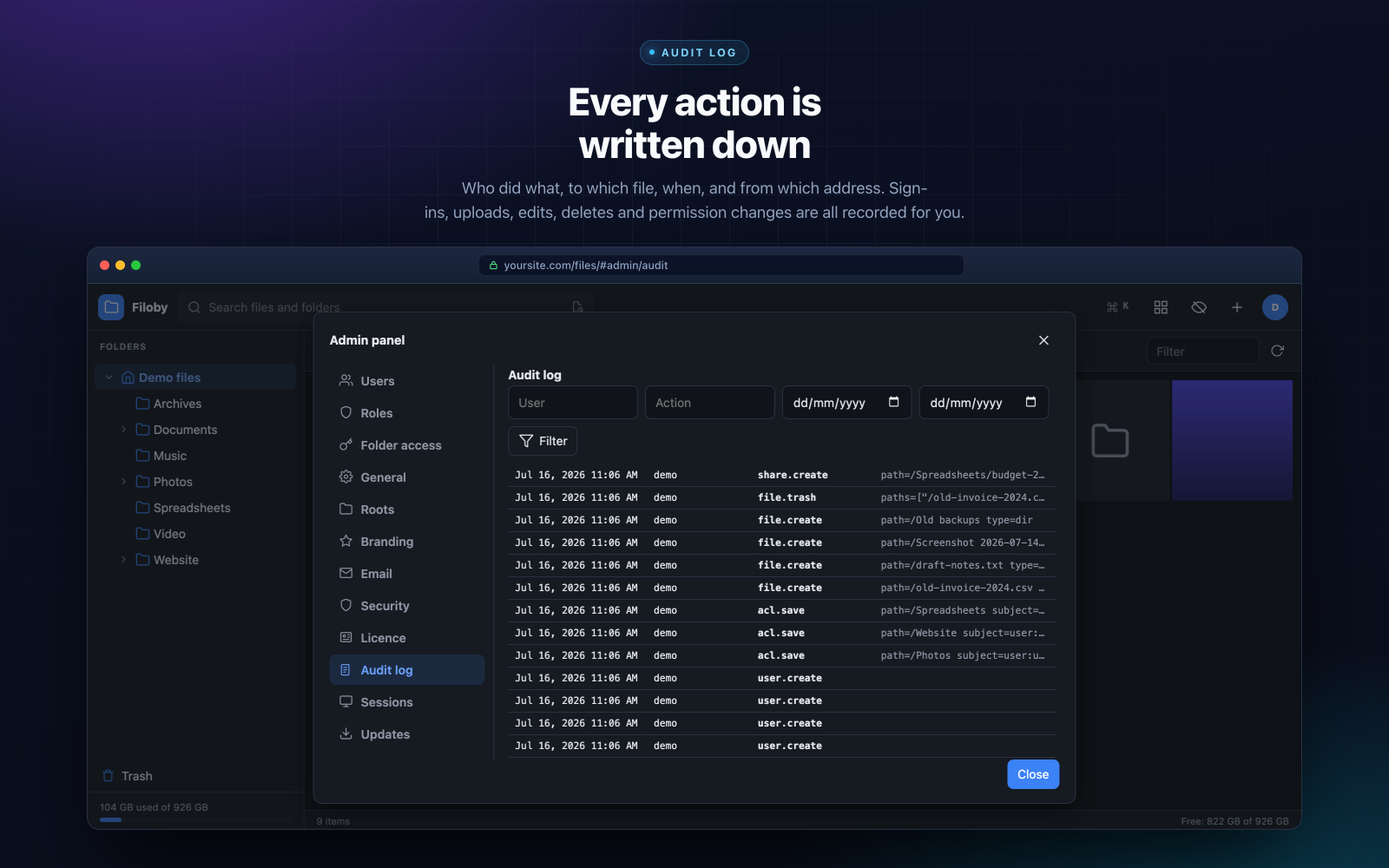
Give people their own logins, assign roles, and use per-folder permissions to decide who reaches what. A client can have one folder and never know the rest exists. A contractor can be read-only. Set storage quotas, review active sessions, protect accounts with two-factor authentication, and follow everything in the audit log.
Room to make mistakes
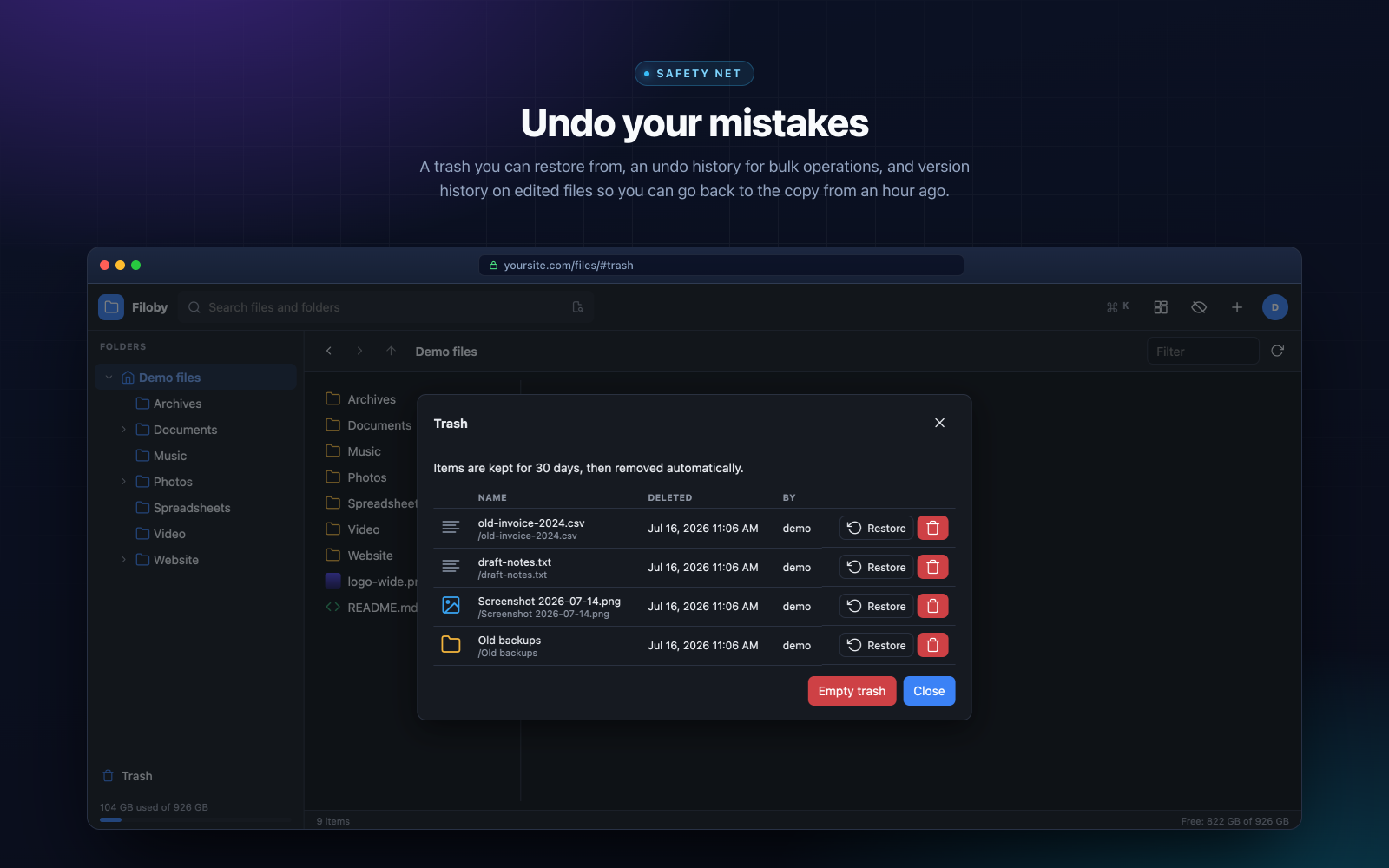
Deleted files land in a trash you can restore from. Bulk operations keep an undo history. Edited files keep version history, so the copy from an hour ago is one click away. Long-running jobs work in the background without tying up your browser.
See where your disk space went
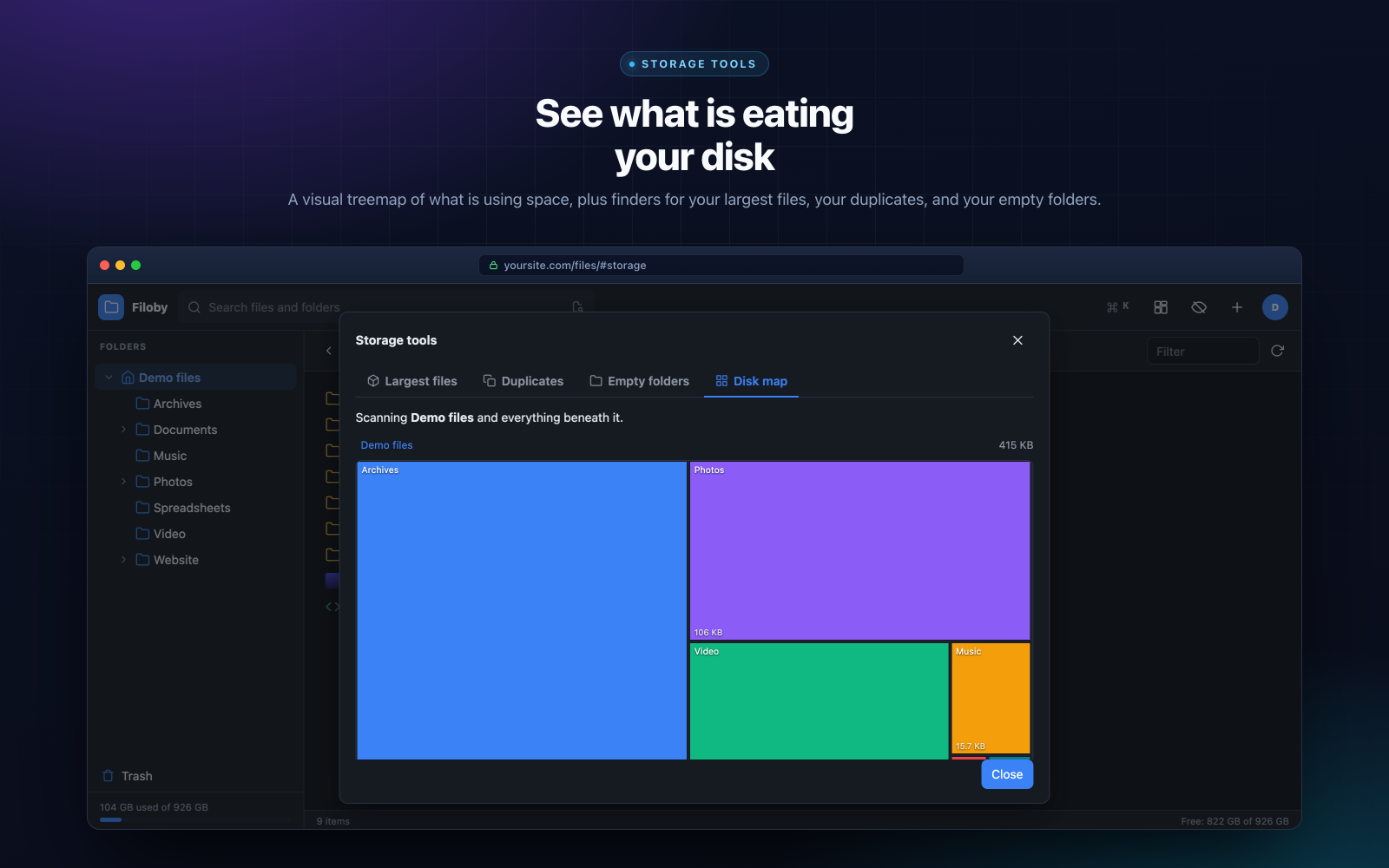
A visual disk map shows what is taking up space at a glance, with dedicated finders for your largest files, duplicates and empty folders.
Make it feel like yours
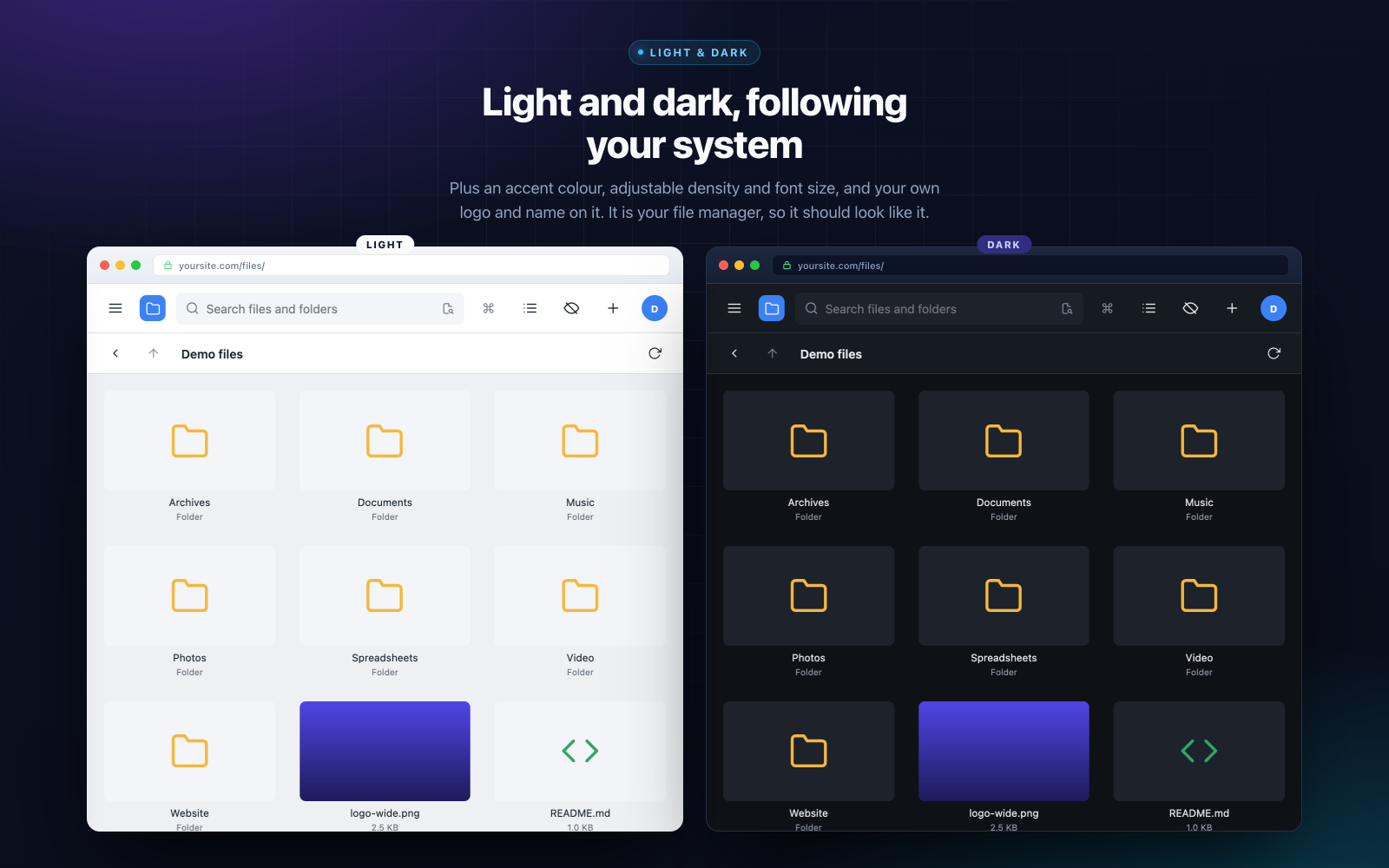
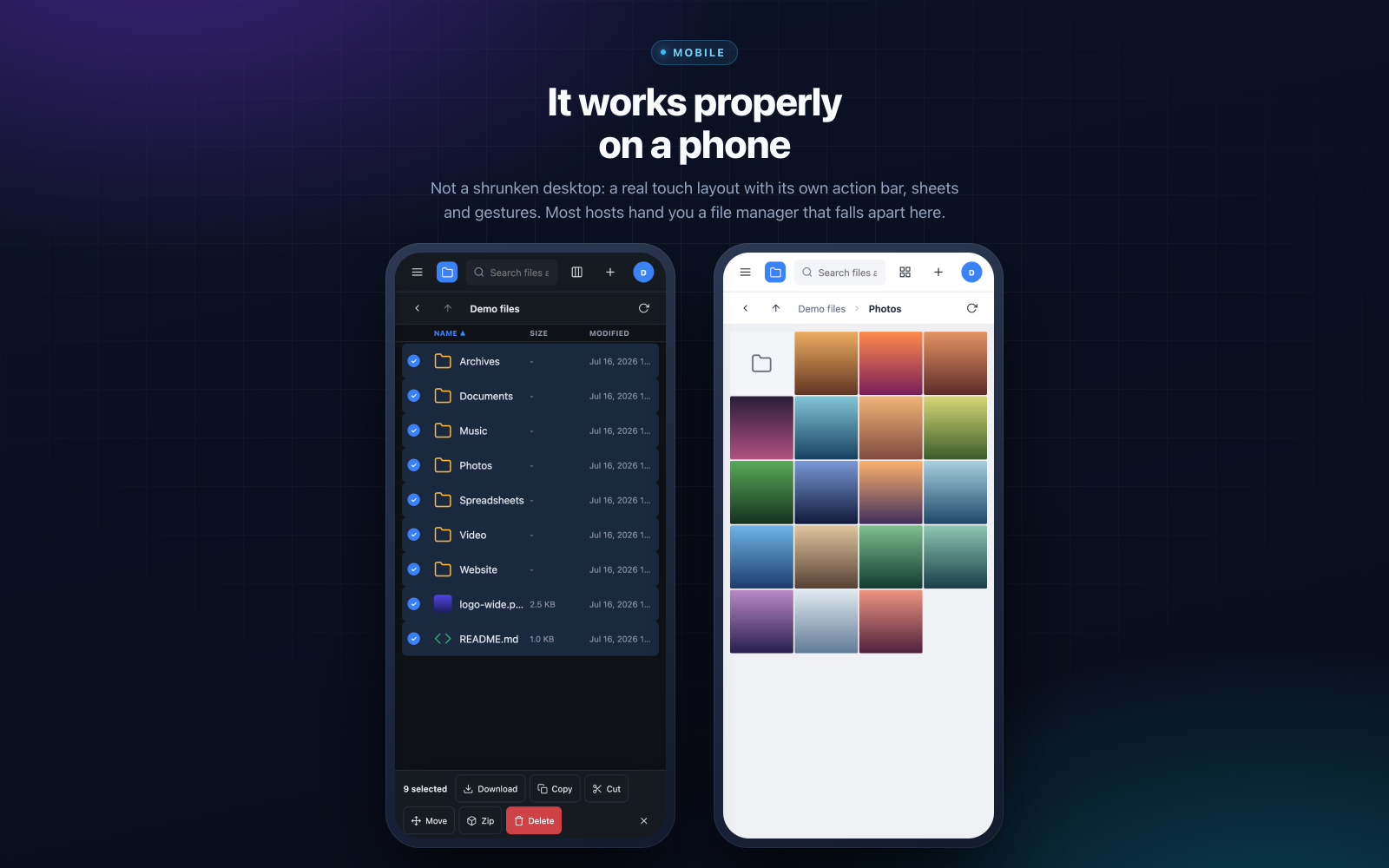
Light and dark themes that follow your system, your own accent colour, adjustable density and font size, and your logo and name across the top. On phones and tablets you get a real touch layout with its own action bar and gestures, not a shrunken desktop.
Security that is enforced, not implied
Filoby lives on your server and touches your files, so it is engineered accordingly. Paths are jailed to the roots you allow. Every action is permission-checked on the server, never just hidden in the interface. Passwords are hashed with argon2id, sign-ins are rate-limited, uploads that disguise executables are rejected, and archive extraction is protected against zip-slip attacks. The application file and its own data folder cannot be touched through the manager.
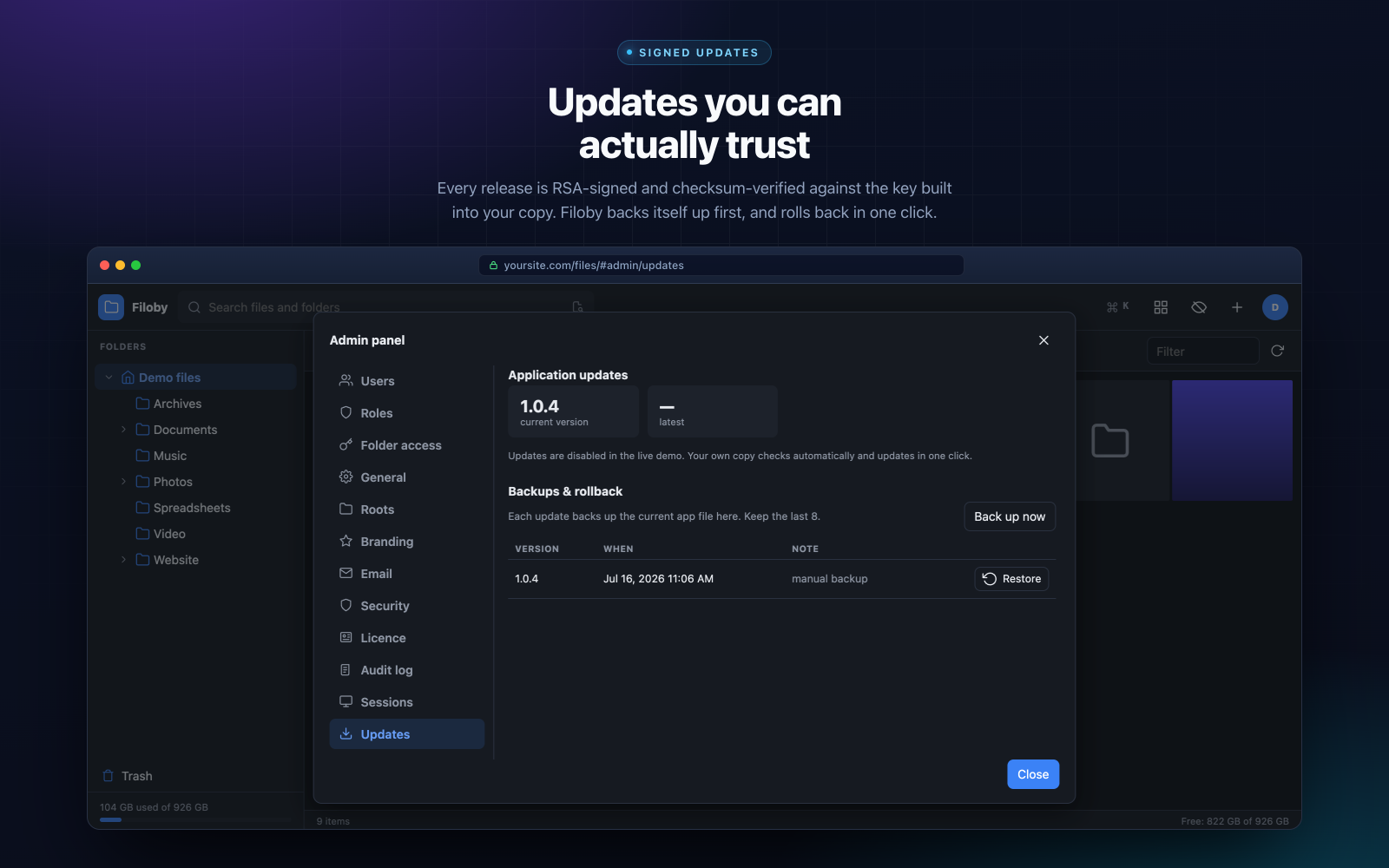
Updates are digitally signed and checksum-verified against the key built into your copy before anything installs. Filoby backs itself up ahead of every update and can roll back with one click.
Call the file whatever you like
Filoby ships as index.php, so if you place it in /files/ your manager loads at yoursite.com/files/. If you would rather keep it discreet, rename the file to anything at all, say my-files.php, and it runs from yoursite.com/files/my-files.php instead. The data folder, your share links, self-protection and one-click updates all follow the new name automatically - there is nothing to configure.
One honest note: a hard-to-guess filename makes Filoby less likely to be stumbled across, but it is not a security measure. Your login is what protects it.
What counts as a site (worth reading before you choose)
One hostname is one site. It is a simple rule, and knowing it up front means you buy the right licence the first time:
example.com is one site.blog.example.com is a second, separate site. So is shop.example.com, and so is staging.example.com. Every subdomain needs its own slot.www.example.com and example.com count as the same site. The www prefix never costs you a slot.- Local and development hosts are always free:
localhost, anything ending in .test or .local, and private IP addresses never use one up.
So the Single Site licence at $49 covers one hostname - not a domain plus its subdomains. Planning to run Filoby on example.com and blog.example.com? That is two sites, and Multi Site is the licence you want.
Nothing is locked in forever. Release a site and register a different one whenever you like, or upgrade at any time and pay only the difference.
Up and running in about a minute
- Upload the file to your web hosting, inside the folder you want to manage. Many people use a subfolder such as
/files/. Keep the name index.php, or rename it if you prefer.
- Open it in your browser (for example
https://yoursite.com/files/). A short wizard checks your server, lets you pick the folder to manage, and creates your admin account.
- Activate your licence. Go to Admin panel → Licence, paste the key from your purchase email, and press Activate.
Filoby registers the domain it is running on automatically, so there is nothing to type in and nothing to match up by hand. Your key is always available from your account here, and the same steps are included in the README inside your download.
Moving to a different domain later? Release the old site from the Licence screen or your account page, then activate the same key on the new one.
One payment, yours for good
Every licence includes lifetime updates: pay once, and every future version is already yours. No subscription, no renewal, no upgrade fees. And if Filoby turns out not to be for you, there is a 30 day money-back guarantee, no questions asked.